
What Is an Application System in a Computer? Understanding How It Works
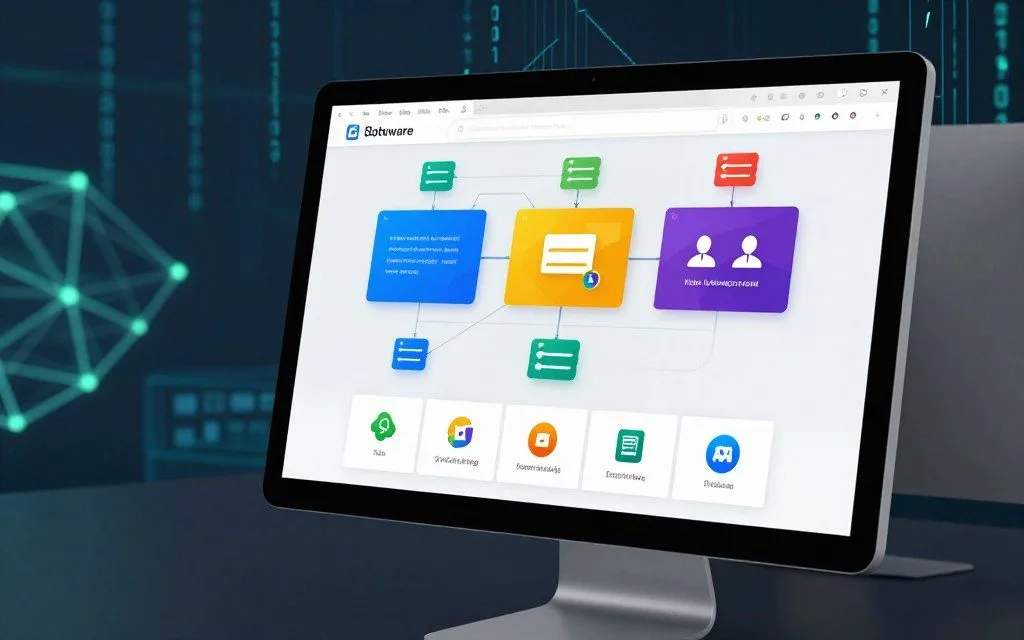
The question what is application system in computer focuses on the system’s basic role. An application system is more than one program; it combines software applications, data, and supporting infrastructure. This coordinated setup helps users complete specific tasks efficiently and effectively.
Examples of computer application systems include popular platforms like Microsoft 365, Salesforce, and SAP ERP. These environments combine multiple components to provide a complete user experience for personal and business use.
This article examines system components, their interaction with hardware, and operating systems’ roles. It also covers different system types, data processing methods, and architecture. Finally, it discusses development life cycles and important security considerations.
Key Takeaways
- An application system consists of integrated software and infrastructure.
- Popular examples include Microsoft 365 and Salesforce.
- These systems enhance user efficiency and task management.
- Understanding them is vital for IT professionals and business leaders.
- We will cover various aspects, including architecture and security.
What Is an Application System in a Computer?
The question “what is application system in computer” points to a complete framework of software parts. It combines software parts to meet clear goals. It includes databases, user interfaces, and support services, rather than only one executable file.
Definition and Basic Concept
The application system definition describes a group of related software parts that work together for business or personal computing goals. Examples include enterprise resource planning systems, such as Oracle ERP Cloud, and customer relationship management platforms, such as HubSpot. Integrated office suites, such as Google Workspace, are also application systems.
These systems support many functions and help users complete complex tasks efficiently. They often have data management, user interface, and backend service layers that create a smooth user experience.
How Application Systems Differ from Standalone Programs
Standalone programs, such as a basic calculator app or simple text editor like Notepad, work alone and share little data. In contrast, application systems use modular designs with shared data layers and multi-user environments.
This modular design lets components connect and share information effectively. These differences clarify how application systems work in broader computing.
Core Components of an Application System
An application system has three critical layers: hardware, software, and data and users. Each layer helps the system operate smoothly and efficiently. Learning these application system components helps explain how systems work.
The Hardware Layer
The hardware layer forms the physical foundation of an application system. It includes servers, workstations, storage devices, networking equipment, and input/output peripherals. CPU speed, RAM capacity, and storage type directly affect system performance.
A powerful CPU processes tasks faster, while ample RAM supports better multitasking. Choosing the right hardware is crucial for optimizing application performance.
The Software Layer
The software layer contains the application code itself. It includes compiled binaries, interpreted scripts, libraries, frameworks, and middleware that provide functionality. An application software system may use frameworks like .NET, Java EE, or Node.js to improve development speed and reliability.
These frameworks simplify coding and help computer application systems scale effectively. That makes them essential in today’s software development landscape.
The Data and User Layer
The final layer manages structured and unstructured data for the system. Databases such as PostgreSQL, MongoDB, or Microsoft SQL Server are essential to this layer. They let application systems store, retrieve, and manipulate data efficiently.
User interfaces can be graphical, command-line, or API-based. They connect users with the application and support interaction. This layer helps users access and manipulate data, supporting a positive user experience.
| Component | Description | Examples |
|---|---|---|
| Hardware Layer | Physical infrastructure supporting the application system. | Servers, workstations, storage devices |
| Software Layer | Application code and frameworks enabling functionality. | .NET, Java EE, Node.js |
| Data and User Layer | Management of data and user interaction. | PostgreSQL, MongoDB, Graphical Interfaces |
How Application Systems Interact with Computer Hardware
Understanding how application systems work with computer hardware helps improve performance. This connection helps applications run smoothly and efficiently. We will examine CPU communication with application code, memory allocation, and storage operations.
Communication Between the CPU and Application Code
The CPU, or Central Processing Unit, acts as the computer’s brain. It executes instructions from application code, often written in high-level programming languages. Compilation or interpretation converts these languages into machine code the CPU understands.
When a program runs, the CPU follows the fetch-decode-execute cycle. It fetches an instruction from memory, decodes its required action, and executes it. This fast process supports strong application system performance.
For example, Google Chrome processes JavaScript through its V8 engine. V8 translates JavaScript into optimized machine code through just-in-time compilation. The code compiles while the program runs, improving speed and efficiency.
Memory Allocation and Storage Operations
Memory management is a key part of how application systems interact with hardware. Applications need memory to store data temporarily while running. They use stack allocation or heap allocation for this storage.
The stack handles static memory allocation, which is set at compile time. The heap handles dynamic allocation, which can change during runtime. Good memory management supports application system performance by preventing leaks and using resources well.
Understanding what is application system in computer terms helps explain volatile RAM and persistent storage. RAM is fast but temporary, while solid-state drives (SSDs) retain data after power loss. Applications use caching to speed access to frequent data, bridging RAM and persistent storage.
Overall, application systems and computer hardware interact in complex but essential ways. Multithreading and SIMD (Single Instruction, Multiple Data) instructions maximize throughput. These techniques help applications run efficiently and effectively.
The Role of the Operating System in Application Systems
The operating system forms the backbone of application systems and coordinates essential functions and resources. It helps application systems run smoothly and efficiently. Understanding its resource management helps explain application system architecture.
Resource Management and Process Scheduling
Resource management is a main operating system responsibility. It shares CPU time, memory, and I/O bandwidth among competing computer application systems. Windows 11, macOS Sonoma, and various Linux distributions use advanced algorithms for fair, efficient sharing.
Process scheduling is a key part of resource management. Operating systems track process states and use thread scheduling algorithms to choose which processes receive CPU time. They assign priority levels so critical tasks get needed resources; preemptive multitasking responds promptly, improving performance.
System Calls and Application Programming Interfaces
Application systems often request services from the operating system. System calls handle file operations, network communication, and process creation. They connect applications with the operating system, giving developers system resources without weakening security.
Application Programming Interfaces (APIs), including the Windows API, POSIX, and Cocoa, give developers standard interfaces. They simplify development by helping applications interact with operating systems consistently. Developers can then create innovative solutions without studying the underlying complexities of how application systems work.
“The operating system is not just a mediator; it is a vital component that ensures stability and security in application systems.”
In summary, the operating system manages resources, schedules processes, and provides key interfaces for application development. As a resource broker and security enforcer, it helps application systems run reliably and efficiently.
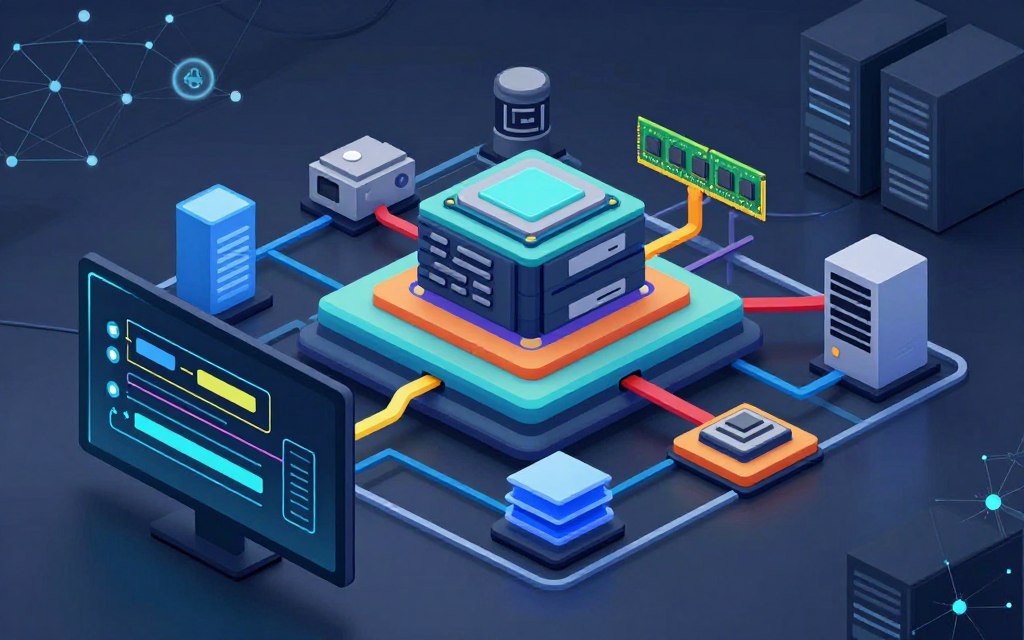
Types of Application Systems You Use Every Day
Every day, we use types of application systems to improve productivity. These systems fall into three main types, and each serves a different purpose. Knowing these categories helps people work better at home and in professional settings.
Productivity and Office Application Systems
Productivity and office application systems simplify common daily tasks. Popular application system examples include Microsoft 365, Google Workspace, and Apple iWork. These platforms combine word processors, spreadsheets, and presentation software.
They let users work together in real time, share documents, and store files in the cloud. This connection improves productivity and teamwork, even when people work in different places.
Enterprise and Business Application Systems
Enterprise and business application systems support large organizations with complex needs. SAP S/4HANA, Salesforce, Workday, and ServiceNow are examples. These platforms manage finance, human resources, supply chain management, and customer relationship management.
They focus on data integration, role-based access control, and regulatory compliance. These systems help businesses work more efficiently and make informed decisions with real-time data.
Web-Based and Cloud-Based Application Systems
Web-based and cloud-based application systems have changed how software is delivered and used. An application software system can provide software through the web or cloud. Examples include Amazon Web Services, Microsoft Azure, and software-as-a-service offerings like Slack, Zoom, and Dropbox.
Users can access these systems through a web browser, without traditional installations. Subscription models provide the latest features and updates, improving the overall user experience.
| Type of Application System | Examples | Main Features |
|---|---|---|
| Productivity and Office | Microsoft 365, Google Workspace | Collaboration, Cloud Storage |
| Enterprise and Business | SAP S/4HANA, Salesforce | Data Integration, Compliance |
| Web-Based and Cloud-Based | Amazon Web Services, Slack | Accessibility, Subscription Model |
Understanding types of application systems helps users choose tools that meet their needs. It can improve productivity in both personal and professional settings.
How Application Systems Process Data and Execute Commands
To understand how application systems work, learn how they handle data. They use the Input-Process-Output (IPO) cycle to process commands in a clear, organized way. This cycle helps systems carry out user commands accurately and efficiently.
The Input-Process-Output Cycle
The IPO cycle has three main stages:
- Input: This stage involves collecting data from users, sensors, or other systems. For example, when a customer places an order on an e-commerce platform like Shopify, their information is captured through a form submission.
- Process: Here, the application system applies business logic and algorithms to the input data. In our e-commerce example, the system validates payment details, checks inventory, and prepares confirmation emails.
- Output: Finally, the processed data is transformed into useful information. This can include displaying order confirmations, updating inventory records, or sending notifications to the user.
A tech expert stated:
“The efficiency of the IPO cycle directly impacts user satisfaction and operational success.”
Database Integration and Data Management
Database integration is a key part of how application systems work. Systems connect to relational databases, including MySQL, Oracle Database, and PostgreSQL. They also connect to NoSQL systems, such as MongoDB and Cassandra, for effective data management.
Key components of data management include:
| Component | Description | Examples |
|---|---|---|
| SQL Queries | Structured commands used to interact with relational databases. | SELECT, INSERT, UPDATE |
| Transaction Management | Ensures that database transactions are completed successfully or rolled back in case of errors. | ACID properties |
| Data Normalization | The process of organizing data to reduce redundancy. | 1NF, 2NF, 3NF |
Hibernate and Entity Framework are key application system components for object-relational mapping. They simplify how application systems connect with databases.
To understand what is application system in computer studies, start with effective data management. It supports reliable systems and protects data integrity, consistency, and recoverability. For more insights on how these systems function, check out this resource on operating systems.
Application System Architecture: Front-End vs. Back-End
Application system architecture plays a vital role in user experience and functionality. It has two main parts: the front end and the back end. Each part serves a different purpose in an application software system.
The front end includes everything users see and use, including graphical user interfaces, responsive web design, and mobile applications. HTML5, CSS3, and JavaScript frameworks like React, Angular, and Vue.js create engaging experiences. Accessibility features follow WCAG 2.2, helping all users navigate and use the application effectively.
For example, Netflix uses a sophisticated front end with an intuitive interface and personalized content recommendations. This design improves user satisfaction, drives engagement, and shows why strong front-end components matter.
The back end contains server-side logic that powers application systems. Application servers like Apache Tomcat and Nginx handle requests and serve data. It also includes business logic layers, API gateways, and microservices architectures that manage authentication, authorization, and data processing.
Modern application systems increasingly use decoupled architectures. The front end and back end communicate through RESTful APIs or GraphQL, allowing independent scaling and development. This makes updates and new features easier without disrupting the user experience.
Understanding front-end and back-end differences helps anyone involved in developing types of application systems. By understanding their interaction, developers can build efficient, user-friendly applications that meet today’s digital needs.
The Software Development Life Cycle of an Application System
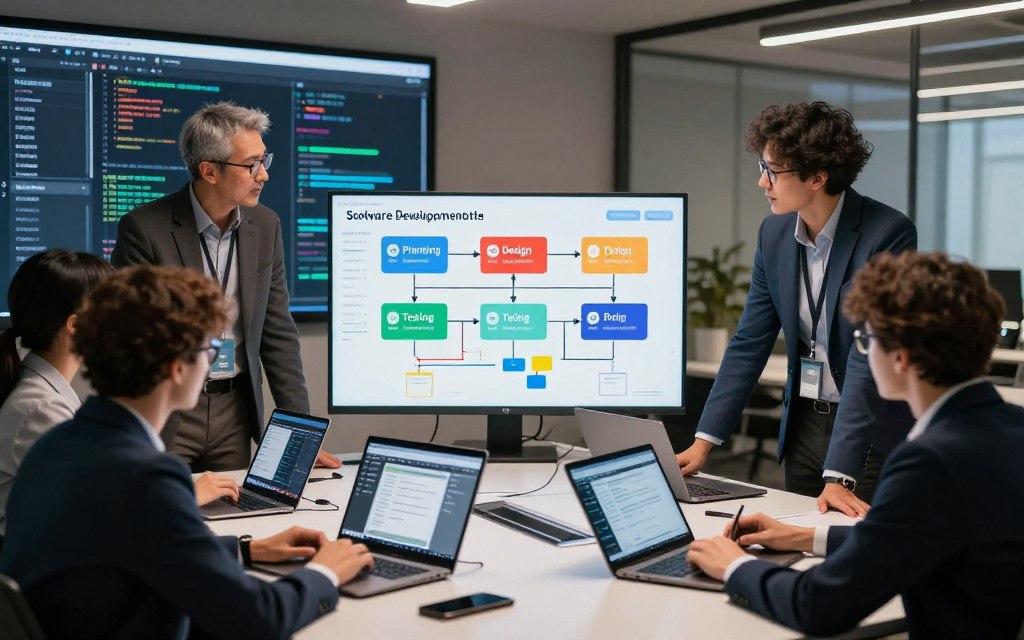
The Software Development Life Cycle (SDLC) gives application system development a clear path from user needs to a working product. It includes several stages that help teams build useful, efficient applications.
Planning, Design, and Prototyping
In the first phase, planning is vital. Teams collect requirements through stakeholder analysis and feasibility studies for application system examples. This shows what the application should achieve, while system architecture outlines how it will function.
During design, teams create wireframes and prototypes to show how application systems work. Tools like Figma and Adobe XD support collaboration and user experience design. Teams often use Agile, Scrum, and Design Thinking to respond quickly to change.
Development, Testing, and Quality Assurance
After approval, the development phase begins. Developers use version control systems like Git and platforms such as GitHub to manage code changes. Continuous integration pipelines, using tools like Jenkins or GitLab CI, help teams streamline development.
Comprehensive testing includes unit, integration, and user acceptance testing. Automated regression testing checks that new changes do not harm existing functions. Code reviews and static analysis improve quality and support practices like test-driven development.
Deployment, Maintenance, and Updates
After testing, the application is ready for deployment. Release management may use DevOps and containerization with Docker and Kubernetes. Blue-green deployments help minimize downtime during updates.
Maintenance continues through bug fixes, security patches, and feature enhancements. The SDLC supports ongoing improvement through user feedback and data-driven insights. This helps the application system evolve and stay relevant over time.
Common Challenges and Security Considerations
Understanding common challenges and security concerns helps organizations maintain strong application systems. Computer application systems can face issues that reduce performance or create security threats. This section covers performance bottlenecks and cybersecurity threats.
Performance Bottlenecks and Scalability Issues
Performance bottlenecks can reduce application system performance and efficiency. Common problems include:
- Slow database queries
- Memory leaks
- Network latency
- CPU contention
- Inefficient algorithms
Organizations can find these problems with application performance monitoring tools, including Datadog, New Relic, and Dynatrace. These tools reveal the main causes of poor performance.
Scalability is also critical. Systems must adapt as user demand grows. Strategies for scalability include:
- Horizontal scaling
- Load balancing
- Caching with Redis or Memcached
- Database sharding
Amazon handles major traffic spikes during Prime Day with elastic cloud infrastructure. This flexibility supports a smooth user experience under heavy loads.
Cybersecurity Threats and Protective Measures
Cybersecurity is a growing concern for application systems. Common threats include:
- SQL injection
- Cross-site scripting (XSS)
- Cross-site request forgery (CSRF)
- Ransomware
- Distributed denial-of-service (DDoS) attacks
- Insider threats
To reduce these risks, organizations should use protective measures such as:
- Input validation
- Parameterized queries
- Multi-factor authentication
- Encryption at rest and in transit
- Security information and event management (SIEM)
- Compliance with frameworks like NIST, ISO 27001, and SOC 2
Application system security must cover the entire lifecycle as threats evolve. Organizations should not treat security as an afterthought.
| Challenge | Impact | Solution |
|---|---|---|
| Slow Database Queries | Increased response time | Optimize queries and indexing |
| Memory Leaks | Application crashes | Regular memory audits |
| Network Latency | Delayed user experience | Use of Content Delivery Networks (CDNs) |
| SQL Injection | Data breaches | Parameterized queries |
Conclusion
Knowing what is application system in computer helps people understand today’s technology. An application system combines hardware, software, data, and user interfaces to complete specific tasks. This coordinated design makes it different from a standalone program.
The application system definition includes parts that work together to support computer operations. Hardware supports operations, while software carries out commands. The operating system connects these elements, making their interaction important for technology users.
Application system examples include daily productivity tools and complex enterprise solutions. Each type meets different needs and serves a specific purpose. Knowing these differences helps people choose the right application system for each setting.
The software development life cycle shows why systems need regular maintenance and updates. These steps protect performance and security over time. Knowing common challenges and cybersecurity threats helps users apply effective protective measures.
In conclusion, this article provides a strong foundation for evaluating, developing, or managing application systems. This knowledge can improve your use of technology in personal and professional settings.


Leave a Reply